
 Jooish8 months ago
Do you use WhatsApp to follow news groups?
If so, do you actually enjoy that experience?
Personally, I don’t. I prefer not to clutter WhatsApp with additional chats, even when I want to keep up with the content being shared.
I think Jooish can do a much better job.
That’s why we’re introducing Groups in beta on Jooish News.
We’re starting with several popular groups that publish on WhatsApp. Their updates are now also available directly inside Jooish News, so you can follow the content without adding more chats to your WhatsApp.
You can also follow Jooish Updates to receive real-time updates about new features and improvements to the app.
This feature is currently in beta, and we’d greatly appreciate your feedback.
If there are any other groups you'd like to see here, let use know.
If you encounter any issues or have suggestions, please reach out to us at [email protected].
We’re excited to continue improving this experience with your input.
Try it right now by selecting the Groups tab or clicking jooish.app/groups. Remember, it's in beta and will improve a lot in the coming days.
 Jooish9 months ago
We've been busy improving your mobile experience! Here's a roundup of the latest features and enhancements we've rolled out.
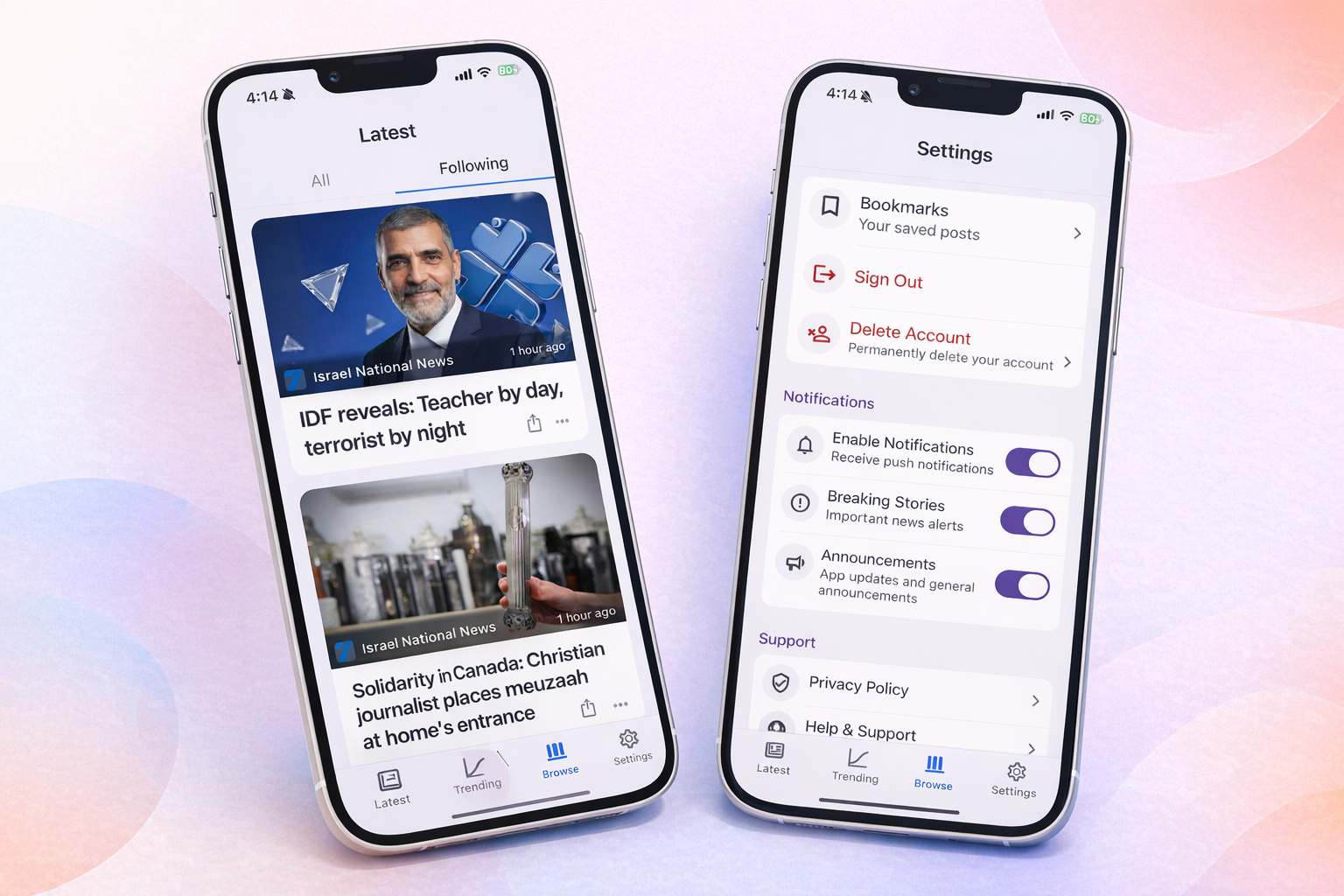
You can now create an account and sign in to the Jooish app! With your account, you can:
You can now select and copy text directly from articles. Whether you want to save a quote, share a snippet, or look something up, it's just a tap and hold away.
You can now bookmark posts to come back to them later.
Sharing works better than ever. When someone shares a Jooish link with you, it opens directly in the app — taking you straight to the right article or feed tab. No more bouncing through the browser.
Make sure you are on the latest app version to enjoy all these improvements!
If there are features you'd like to see, email us at [email protected]