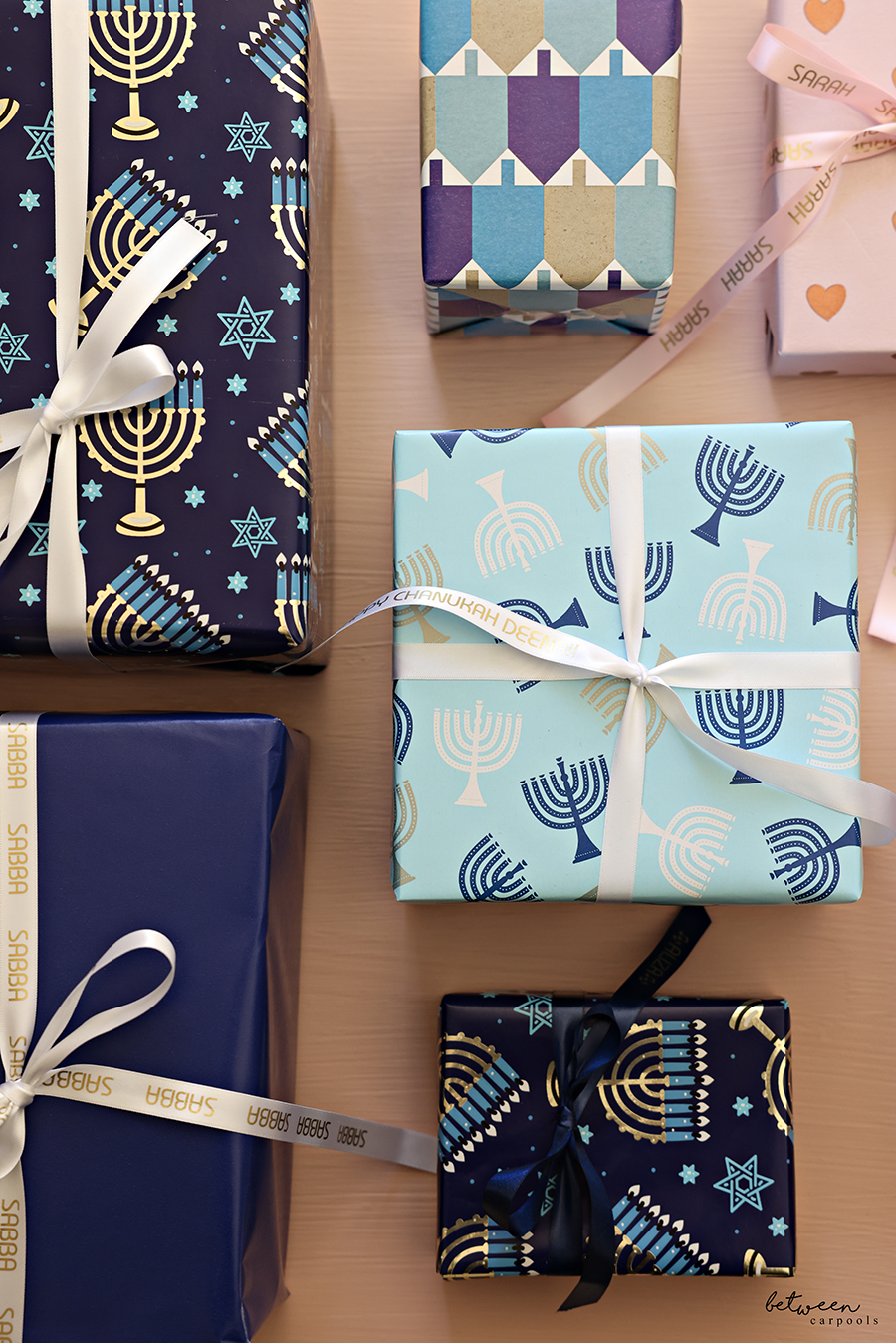
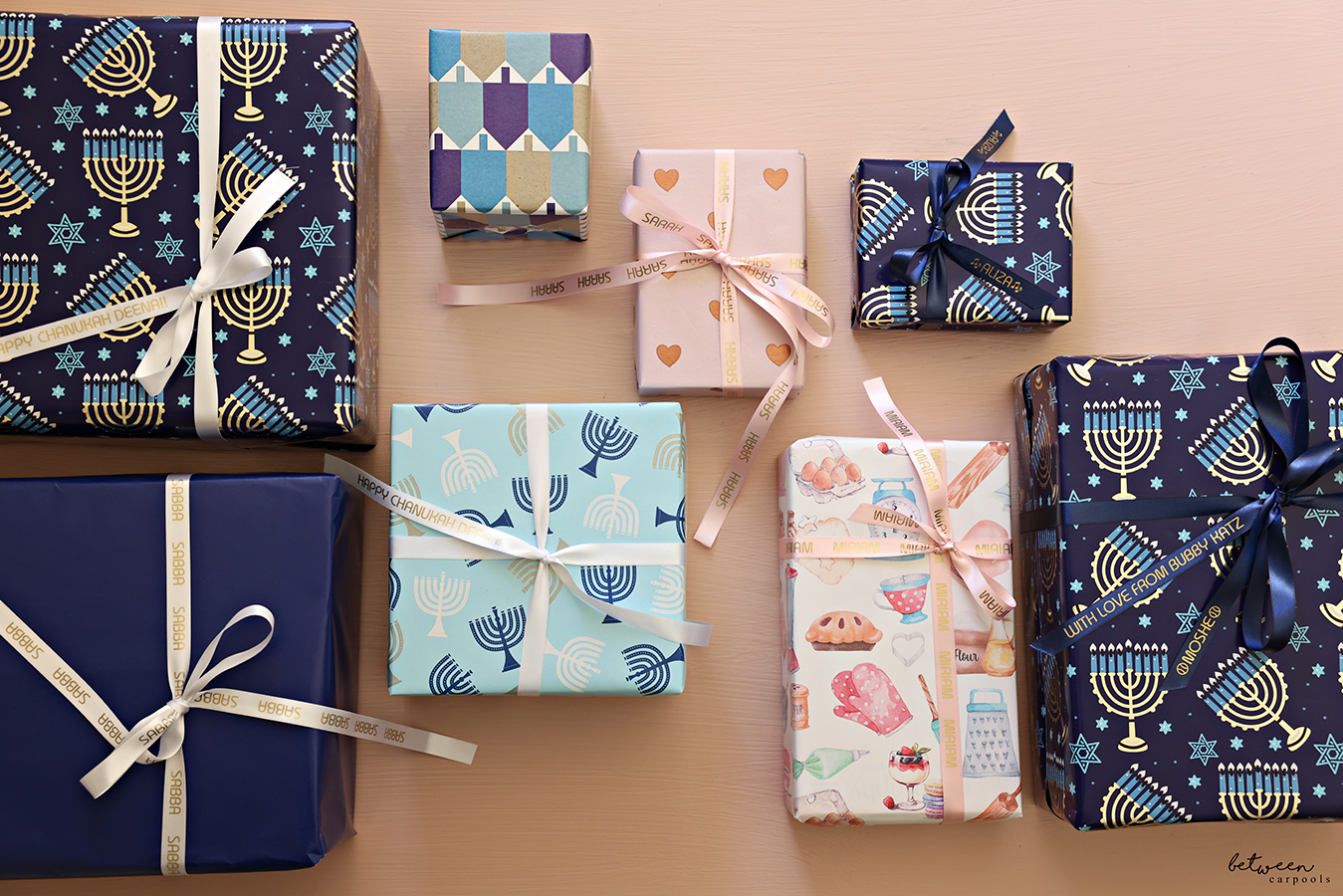

You’ll love adding this little custom touch to your gifts. Including personalized ribbons is more accessible than you think!
You already have a Brother P-touch Label Maker since forever. Or, at least you have since we showed you all the different ways we use both the P-touch and the Phomemo in our post, ‘Which Label Maker Is for You?‘
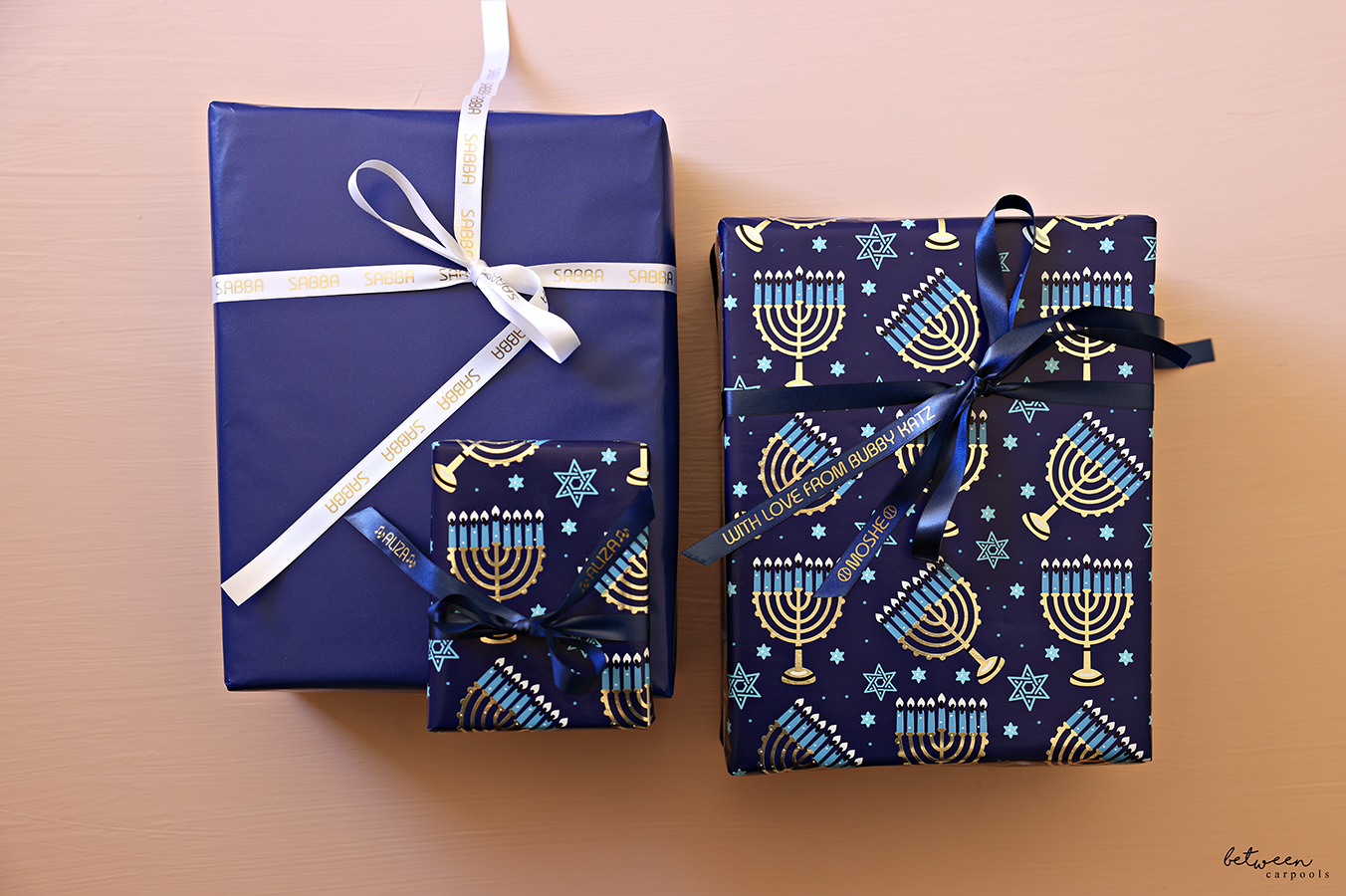
Wrapping a gift? You can personalize the ribbon!
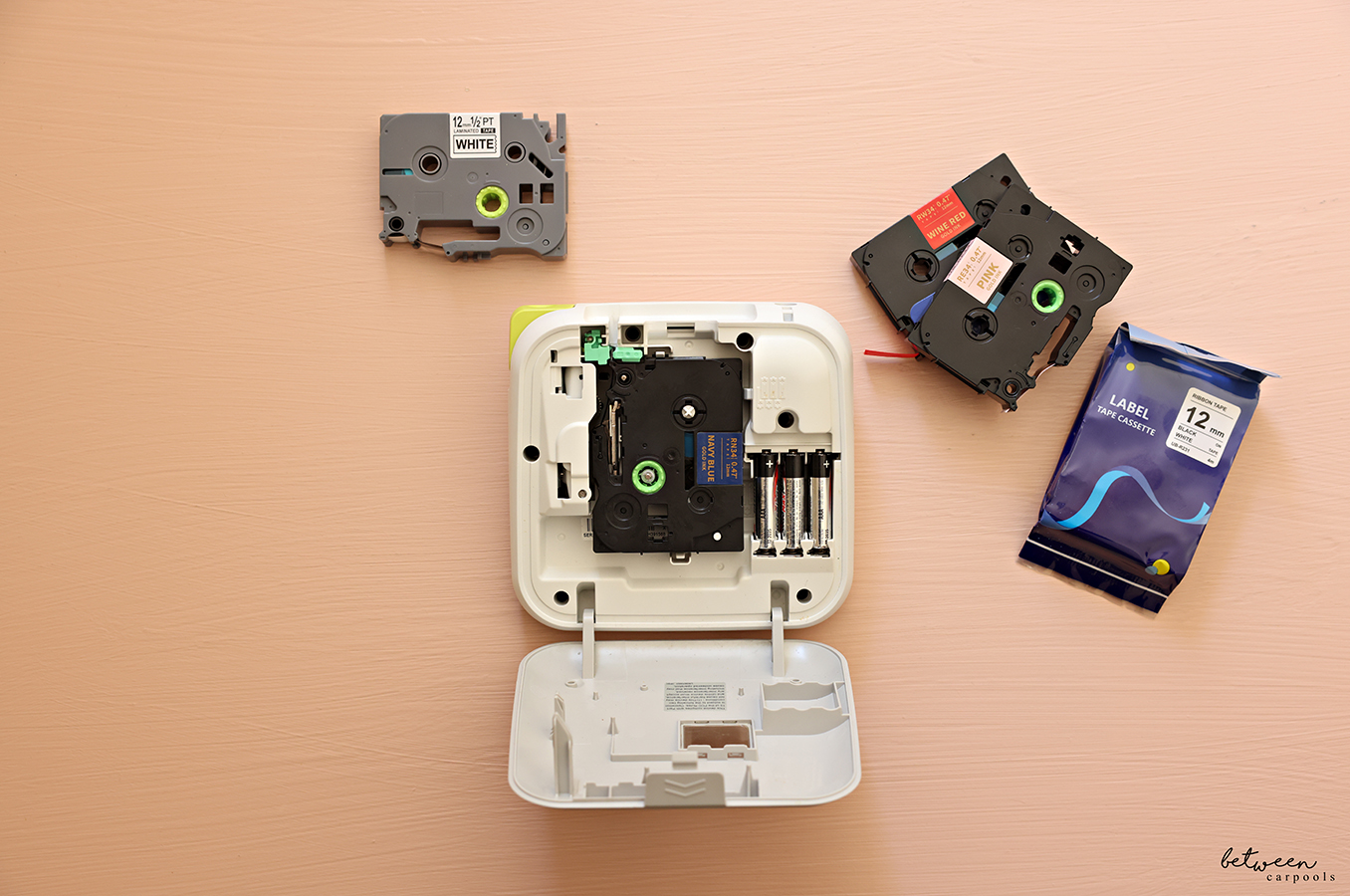
If you already have a P-touch, all you’ll need is this P-touch Ribbon tape, that works in your existing machine!
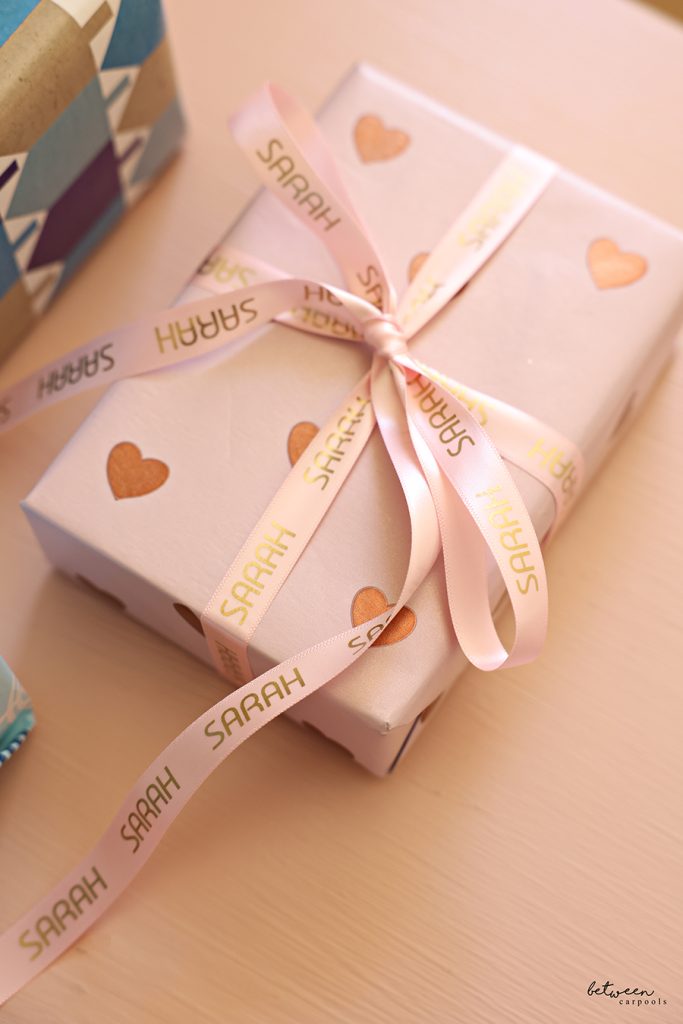
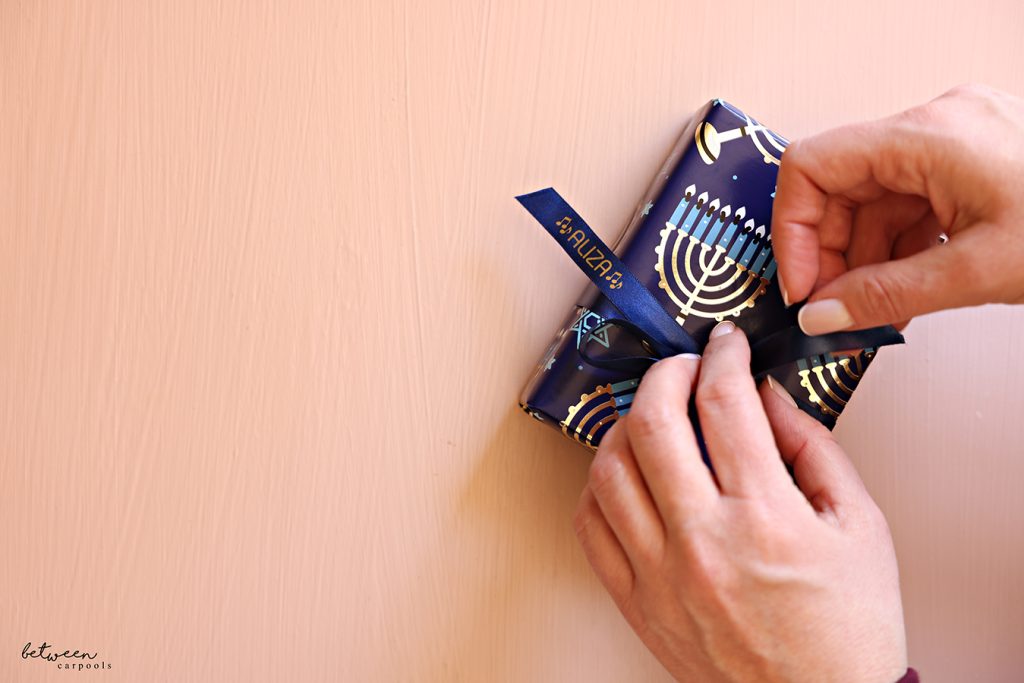
Write a complete message on the ribbon, or print the name of each recipient.
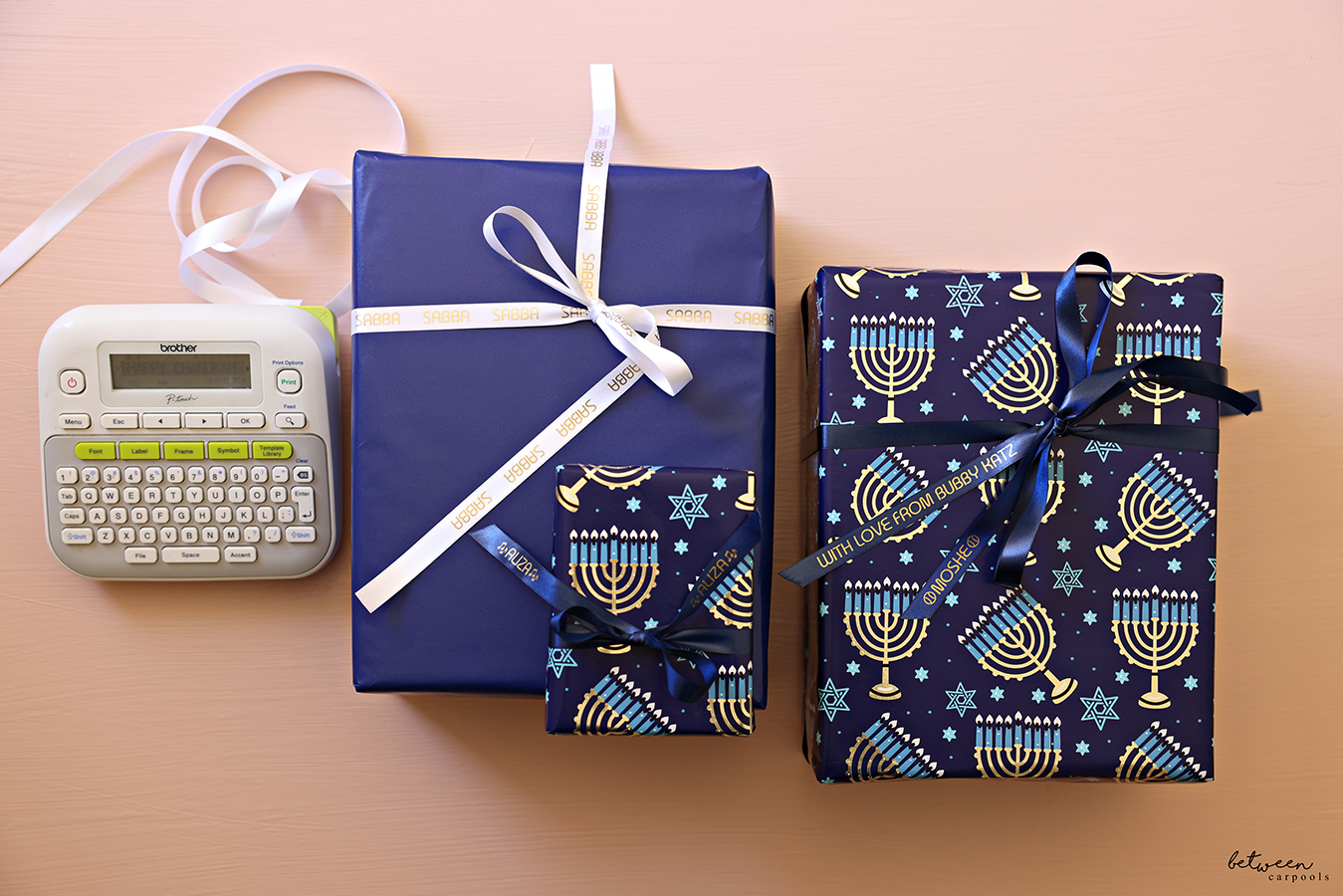
Coordinate the colors of the ribbon to the wrapping paper for a custom look (see below for more links to wrapping papers you see in the photos).
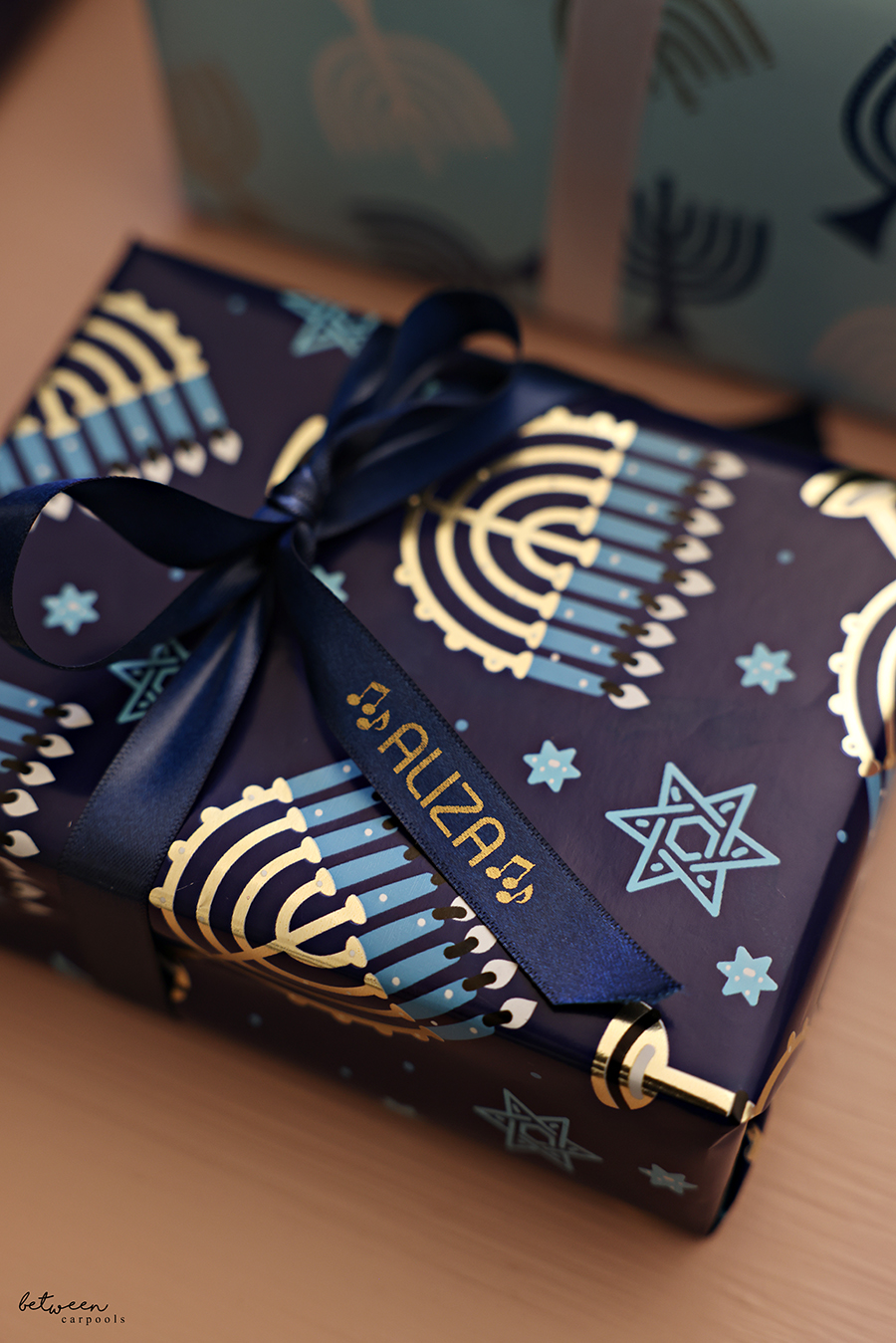
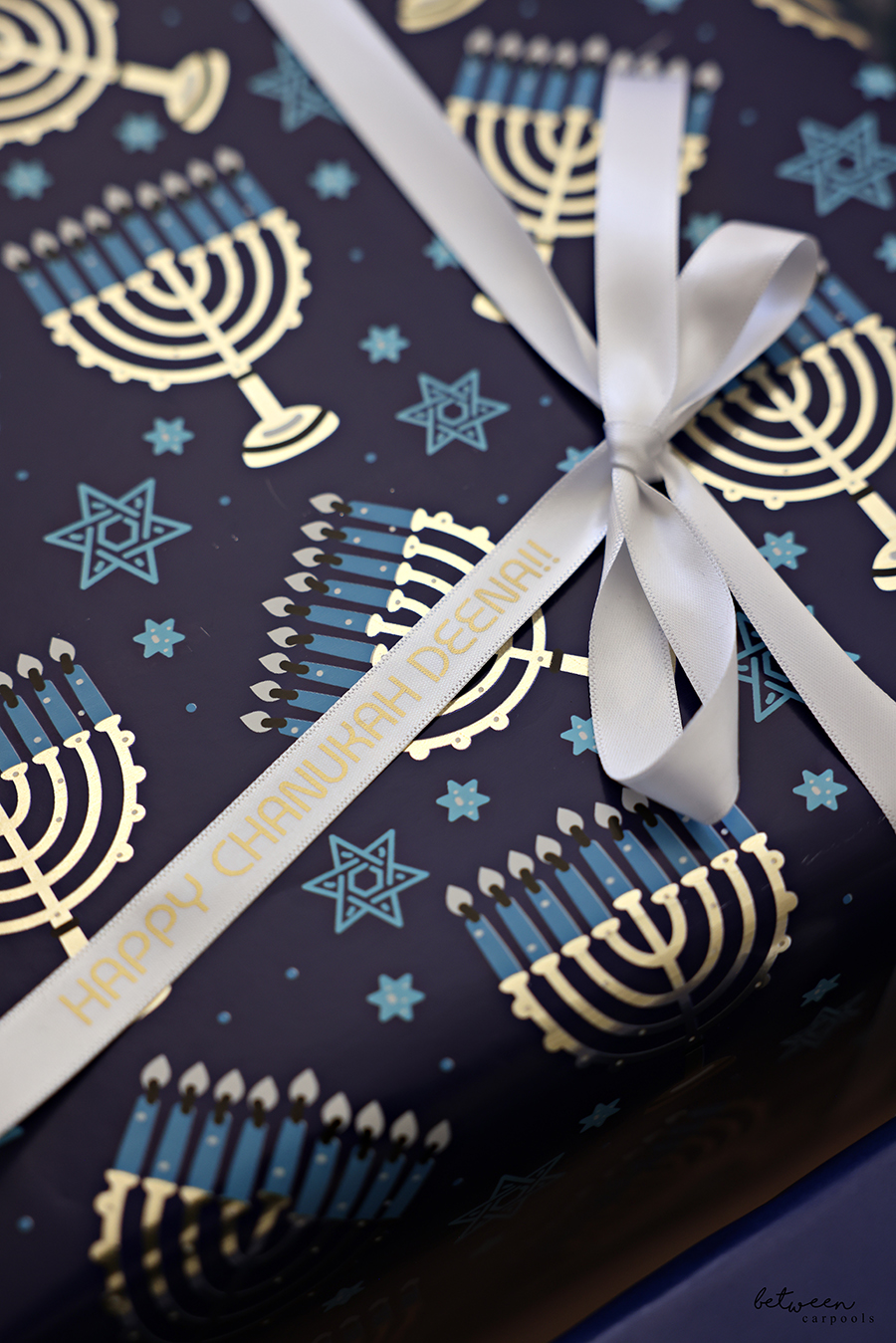
If you want the name to be printed in a specific spot and not at the end, use the feed button on the P-touch to move the ribbon along until you have the length you need.
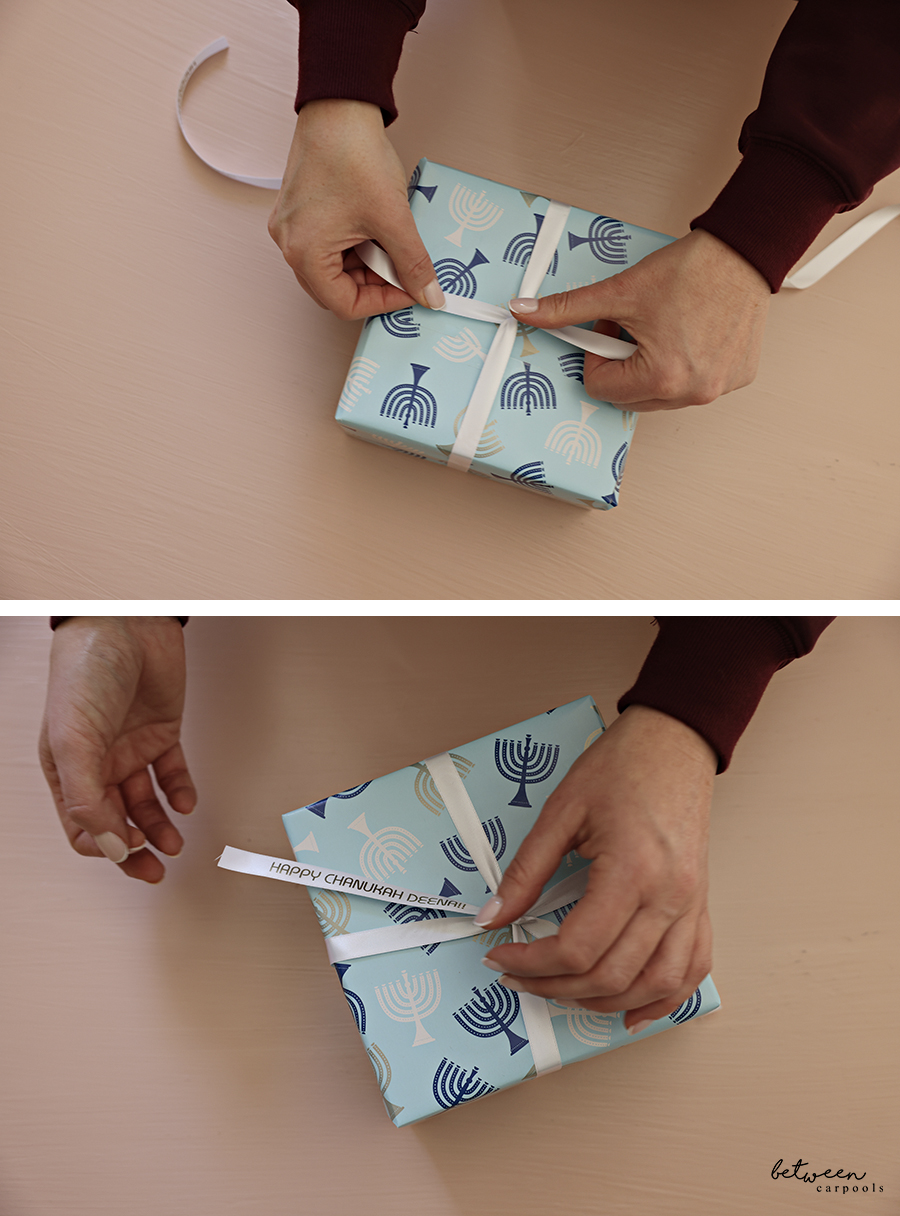
There’s one caveat. You don’t want to waste the P-touch ribbon by wrapping it all around the entire gift. So, be creative. Use this ribbon as an accent, or just make a bow on the top, using it together with a coordinating regular ribbon.