
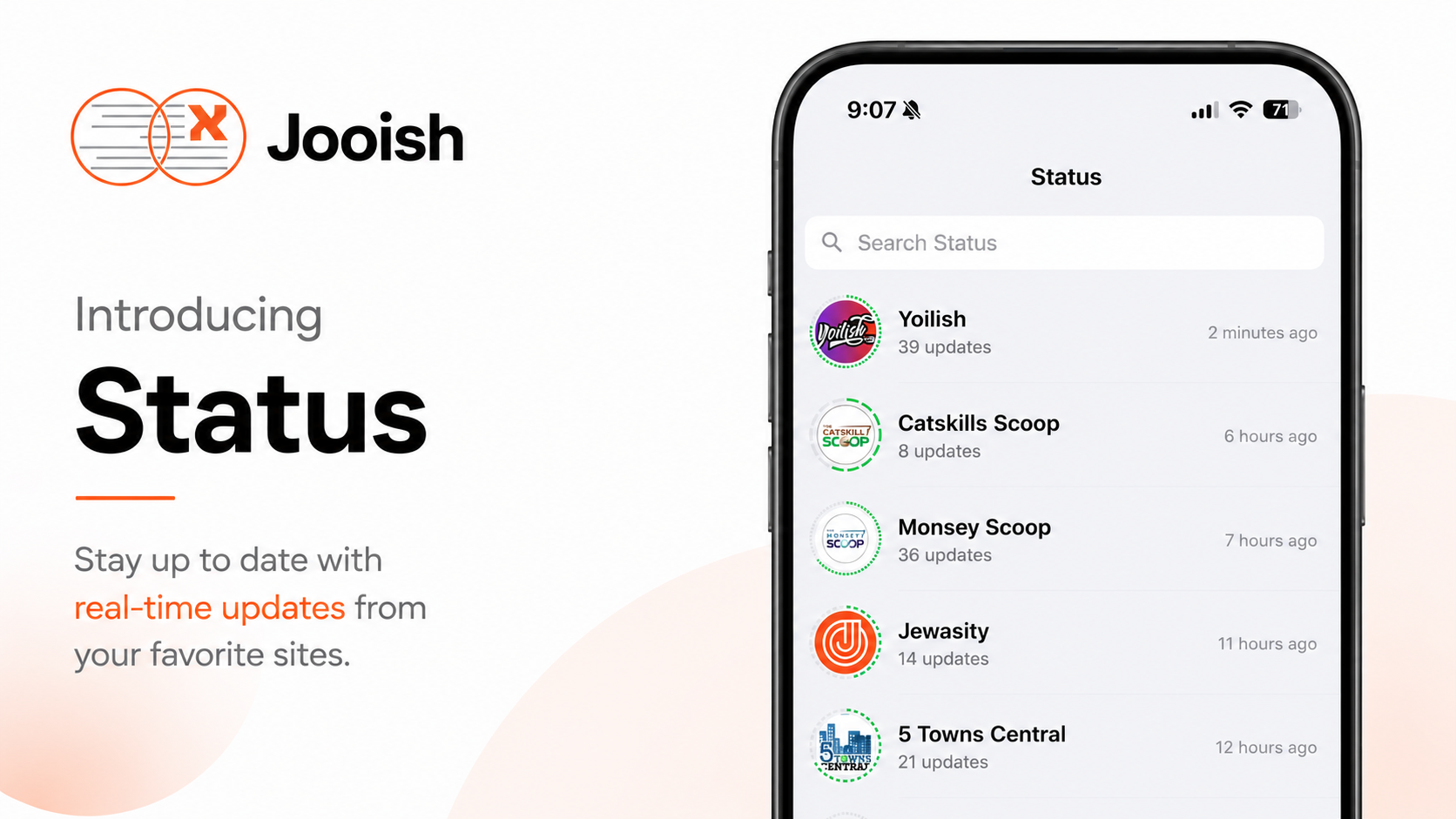

You can now view Status updates, similar to WhatsApp Status, right inside Jooish News.
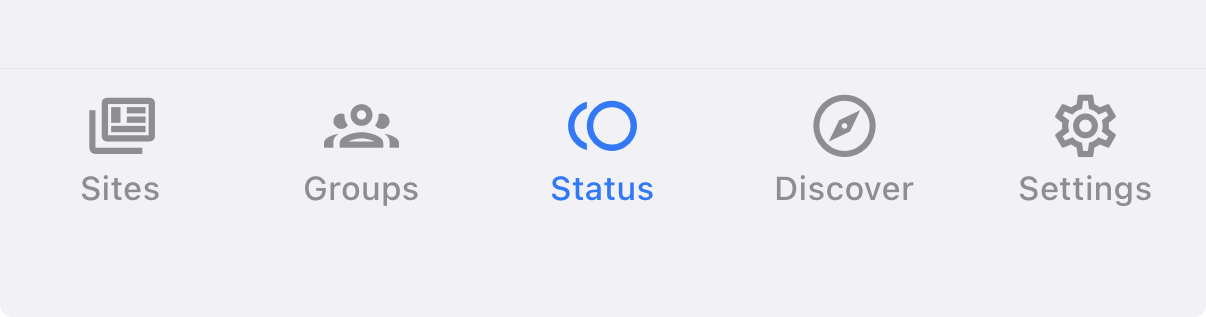
Tap the new Status tab in the bottom menu to discover and view any Status. It sits in the middle of the bar, between Groups and Discover.
Or jump straight there: open Status.
Found a Status you like? Join it, and it'll show up in your list for quick access.
You'll also see Status updates from groups you've joined. Look for the green ring around their avatar and tap it to open their updates.
New Status groups are added daily, so check back often. Want a specific Status added? Reach out and we'll make it happen.
Don't see the Status tab? Make sure you're on the latest version of Jooish. Here's how to update.